Keys and costs
Get your own eBay keys
Create a free eBay developer keyset and connect it to Card Cabinet, step by step. About 10 minutes.
On this page
Card Cabinet looks up asking prices and card photos through eBay's official API. Every account can use a free monthly allowance on Card Cabinet's own keys. With your own keys, price checks have no monthly limit, photo sync covers your whole collection, and the nightly price run checks far more of your cards. eBay doesn't charge for the keys.
You need an eBay account. eBay's developer site works on a phone, but copying the two values is easier on a computer.
1. Join the eBay Developers Program
Go to developer.ebay.com and sign in with your eBay account. The first time, eBay asks you to register for the Developers Program: confirm your details and accept the API License Agreement. eBay can take up to one business day to approve a new developer account; you'll get an email when it's ready.

2. Create a Production keyset
Open Application Keys (under your account name, or at developer.ebay.com/my/keys). Type an application name, anything you like, such as "My Card Cabinet". Then, in the Production column, click Create a keyset.
Use Production, not Sandbox. Sandbox keys only reach eBay's test site, which has no real listings, and Card Cabinet will tell you so if you paste them.

3. Answer the account deletion question
Before a Production keyset works, eBay asks every developer either to receive marketplace account deletion notifications or to say they're exempt. If your new keyset shows Your Keyset is currently disabled, click the link in that message.
Choose the exemption: turn on Not persisting eBay data (the wording can vary slightly), tick the exemption reason, and add a short note such as "Personal card collection tool. I don't store eBay users' personal data." Then save.
This is accurate for Card Cabinet: it reads listing titles, prices and photos to price your own cards, and it doesn't keep any eBay user's personal data.

4. Copy two values
Back on Application Keys, the Production keyset shows three values. Card Cabinet needs two of them:
| eBay calls it | Paste it into | What it looks like |
|---|---|---|
| App ID (Client ID) | App ID (Client ID) | Your name, a dash, and letters and numbers, with PRD in the middle |
| Cert ID (Client Secret) | Cert ID (Client Secret) | Starts with PRD- |
| Dev ID | Not needed |
Copy each one with eBay's copy button rather than selecting the text, so no spaces come along.

5. Paste and test in Card Cabinet
In Card Cabinet, open Settings and scroll to eBay photo search (or continue the step-by-step window to Paste and test). Paste the two values and choose Save and test. Card Cabinet asks eBay for a sign-in token with your keys before it saves them, so you know straight away whether they work.
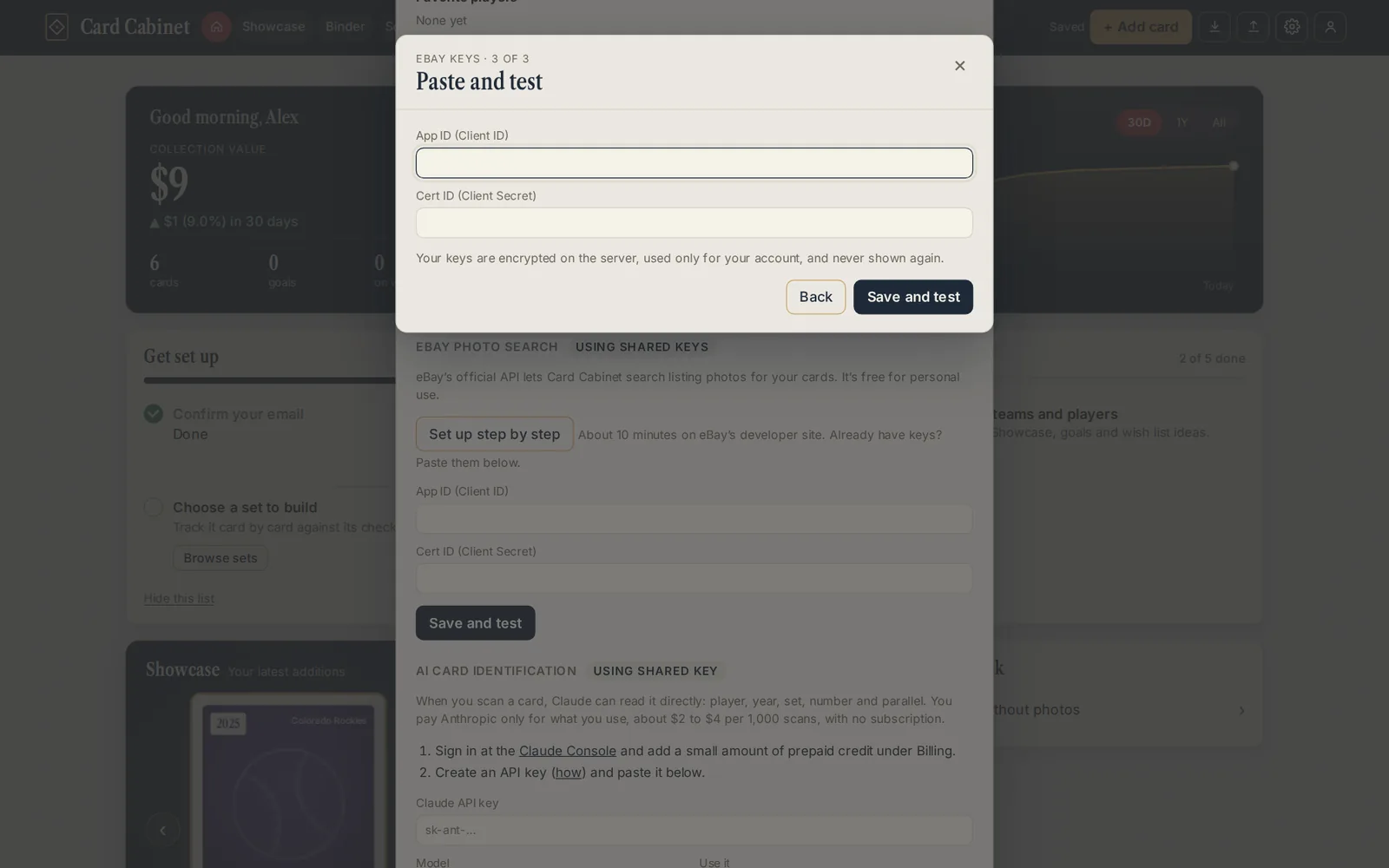
When it says Connected, price checks and photo searches use your keys from then on. Your keys are encrypted on our server, used only for your account, and never shown back to you. To remove them, choose Remove my keys in Settings.
If something goes wrong
Card Cabinet checks the values before it sends them to eBay and says plainly what looks wrong:
- "These are Sandbox keys": create the keyset in the Production column instead (step 2).
- "The two values look swapped" or "That's a Cert ID in the App ID box": the App ID goes in the first box and the Cert ID in the second.
- "There's a space inside one of the values": copy each value again with eBay's copy button.
- "eBay rejected these keys": the keyset may still be disabled. Finish the account deletion step (step 3), wait a few minutes, and try again.
- You reset your Cert ID on eBay: paste the new one in Settings. The old one stops working at once.
eBay limits each keyset to 5,000 searches a day. Card Cabinet keeps the nightly price run under 3,000 searches, which leaves room for your own price checks and photo searches the same day.
See also: How keys and the free allowance work and Get a Claude API key.
Steps checked against eBay's developer documentation on 5 October 2026. Updated 2026-10-05.