Your collection
Showcase and Binder
Show your cards off as a display case or a 9-pocket binder, grouped and arranged the way you like.
Collection is for managing cards; the Showcase and the Binder are for enjoying them.
The Showcase
Showcase lays your cards out as a display case, with your card count, total value and photo count at the top.
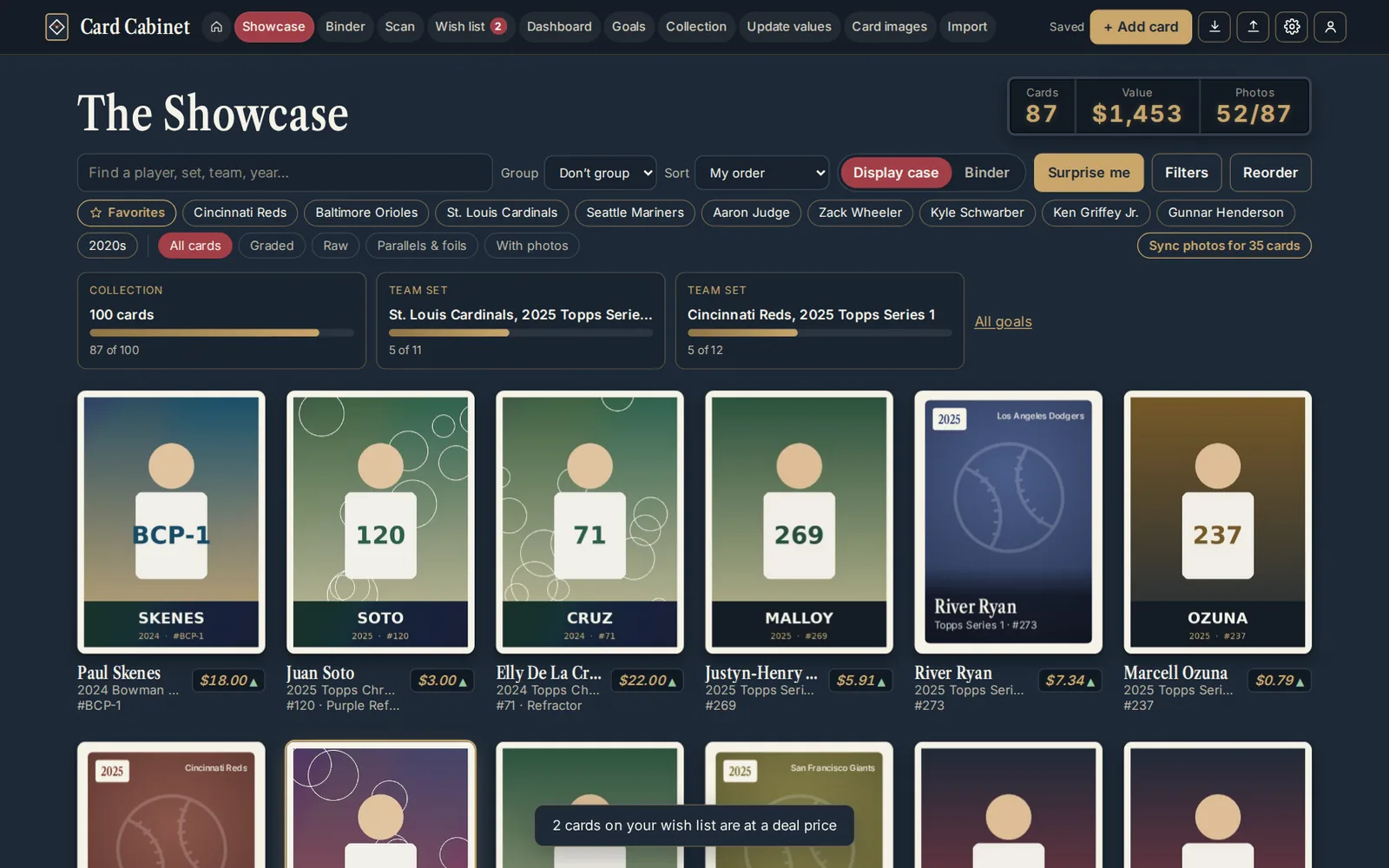
- Group by player, team, set, decade or grade, or not at all.
- Sort by My order, Recently added, Most valuable, Oldest first, team, set, Player A–Z or Biggest risers. Your choice is remembered.
- Chips narrow it to Graded, Raw, Parallels & foils or With photos, and Filters has the rest.
- Surprise me opens a random card.
- Click a card to see it up close in the spotlight, with Previous card and Next card to page through.
Arranging your own order
With Sort on My order:
- The star on a card pins it to the top.
- On a computer, drag cards to rearrange them.
- Reorder opens a list of pinned cards and everything else, with arrows to move cards up and down. It works on phones too.
Settings has two display options: graded cards in a slab frame, and a foil shimmer on parallels and chrome cards.
The Binder
Binder (on a computer) puts your collection in a 9-pocket binder on a desk. Turn pages with the arrows or ← and →, find a card with F, and use Arrange to order the binder by value, player, team, set and number, age or date added.
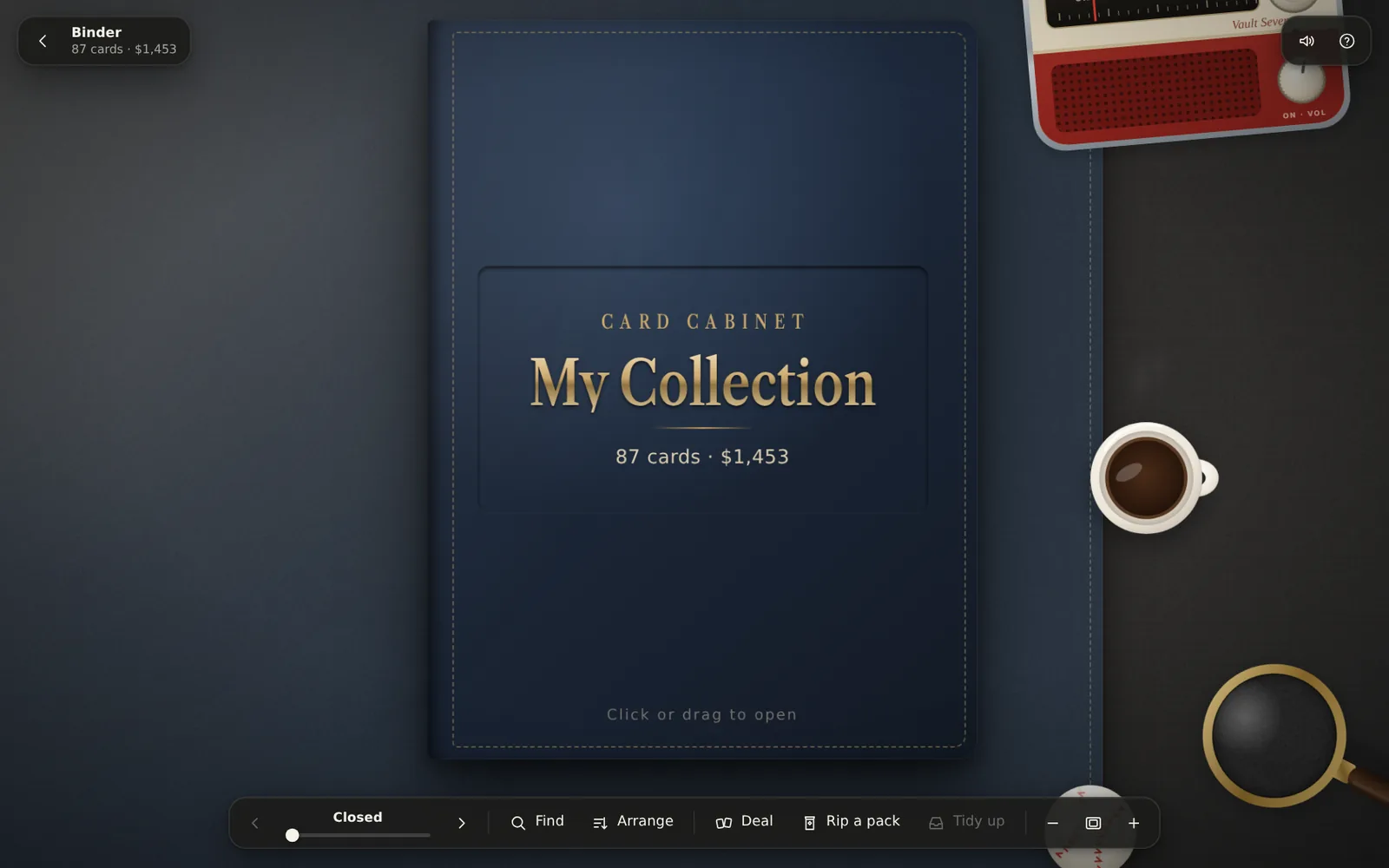
Drag a card out onto the desk to look at it, and drop it in any sleeve to move it: a card already there swaps places. How to play in the Binder lists the rest.
The Binder needs a bigger screen, so phones show the Showcase. To show your binder to someone on any device, share a binder link.
Updated 2026-10-05.